Add a poll to any newsletter.
Collect feedback in one click, boost engagement, and turn one-way email into a conversation.
Works in Kit, Beehiiv, Ghost, Gmail, MailerLite, HubSpot, and every other email platform.
Five free polls to start.
No subscription—pay only when you need more.
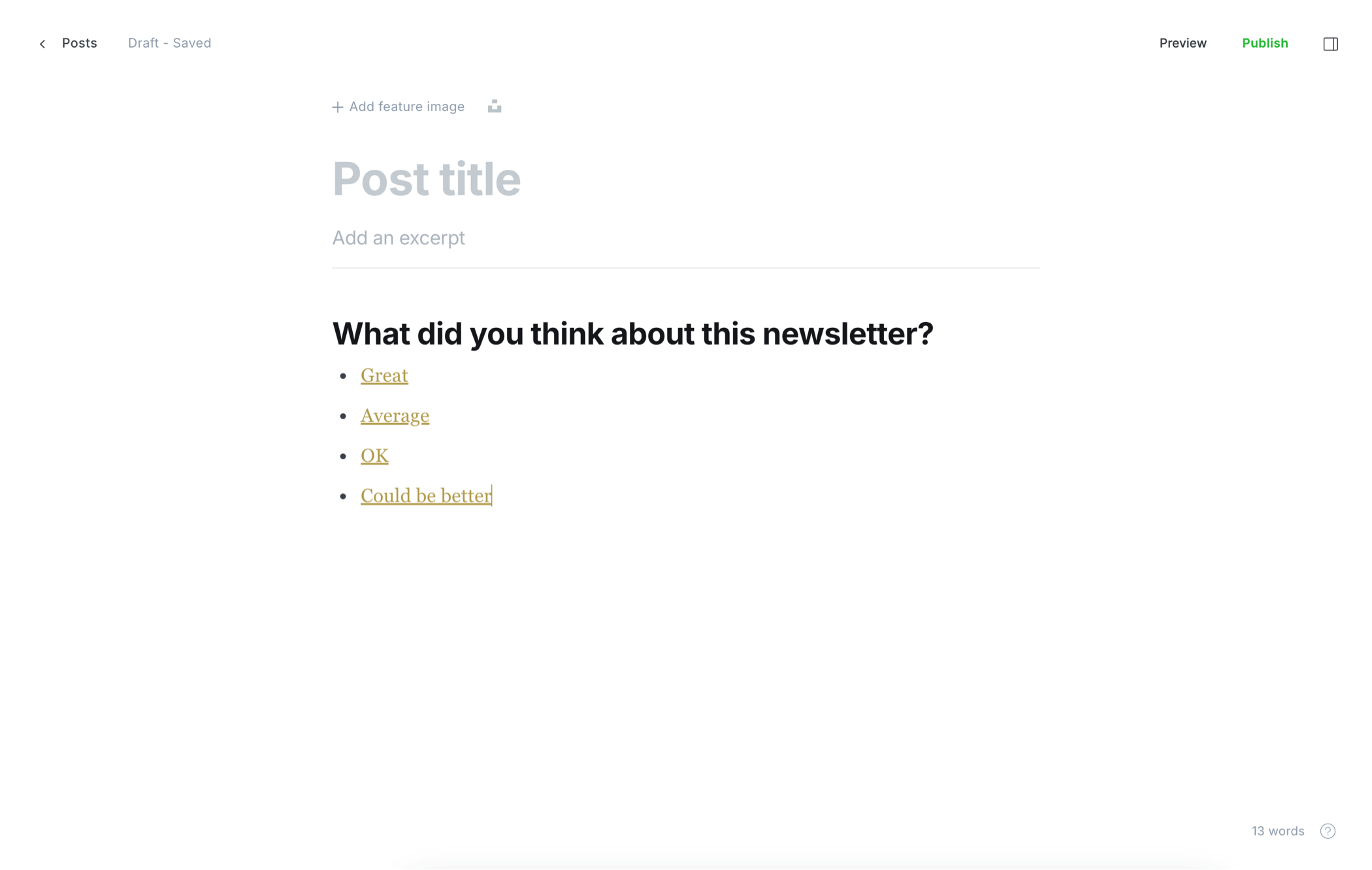
Why add polls to your emails?
Quick wins for newsletter writers, marketers, and anyone sending email.
Collect actionable feedback
Ask one question and get real answers—not just opens and clicks.
Boost engagement
Polls give readers something to do in the inbox, which often lifts click rates.
Support deliverability
Higher engagement can signal value to inbox providers—helpful alongside great content.
Validate content ideas
Let your audience pick topics, formats, or offers before you invest in the next send.
Share results anywhere
Use poll outcomes in a follow-up issue, on social, or in your next campaign.
No platform lock-in
Copy-paste into any email tool. No upgrade required on Beehiiv, Kit, or elsewhere.
How PollKit works
-
Step 1
Create
Add your question, up to 10 answers, and optional feedback or redirects.
-
Step 2
Copy
Copy the poll, formatted for your email platform.
-
Step 3
Paste
Drop the poll into your newsletter or email and send.
-
Step 4
Analyze
Watch responses roll in on your PollKit dashboard in real time.
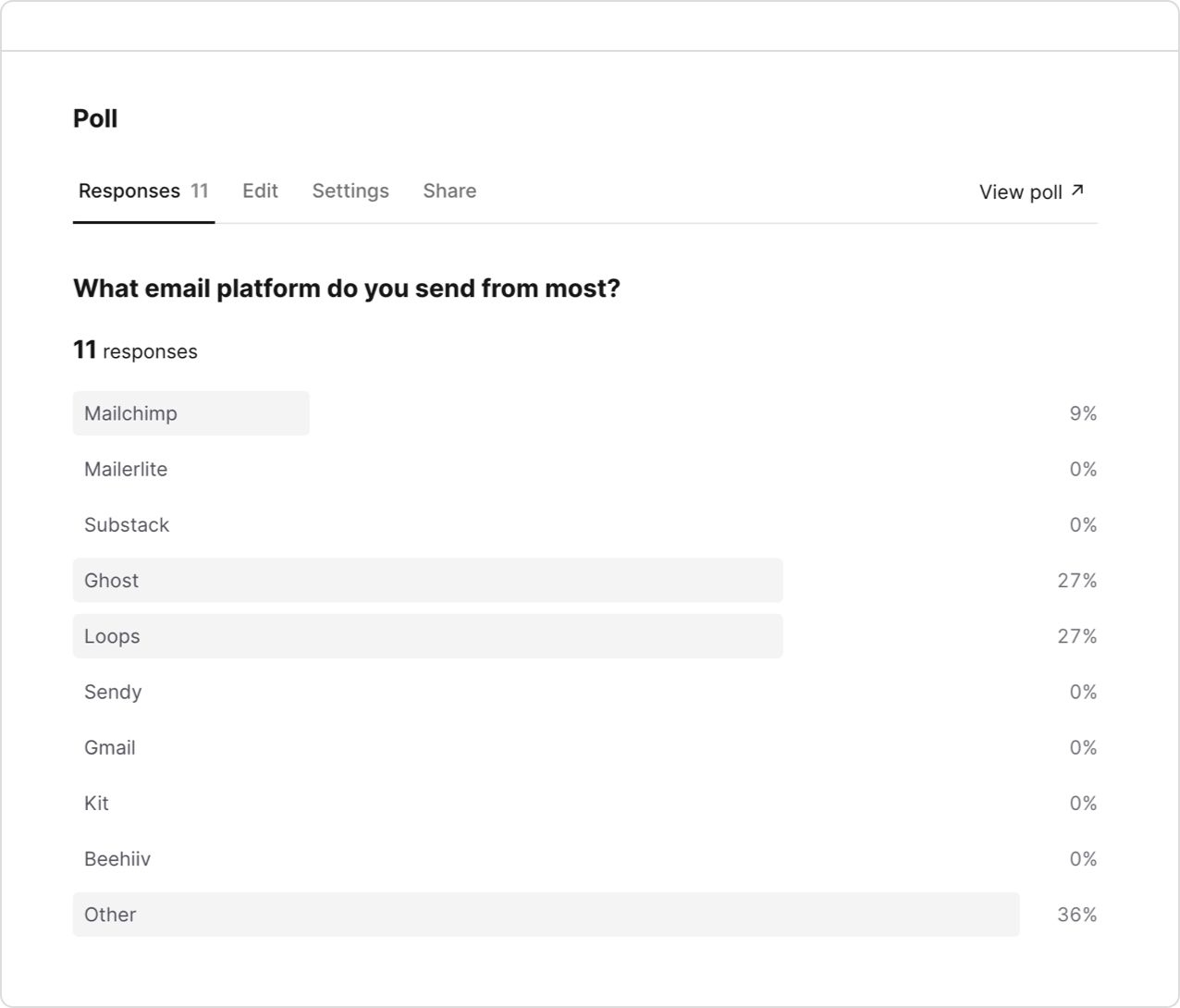
Collect feedback from anyone
Use an email poll to gather feedback from customers, your audience, colleagues, or friends.
It's quick, simple, and effective.
View responses easily in your PollKit dashboard.
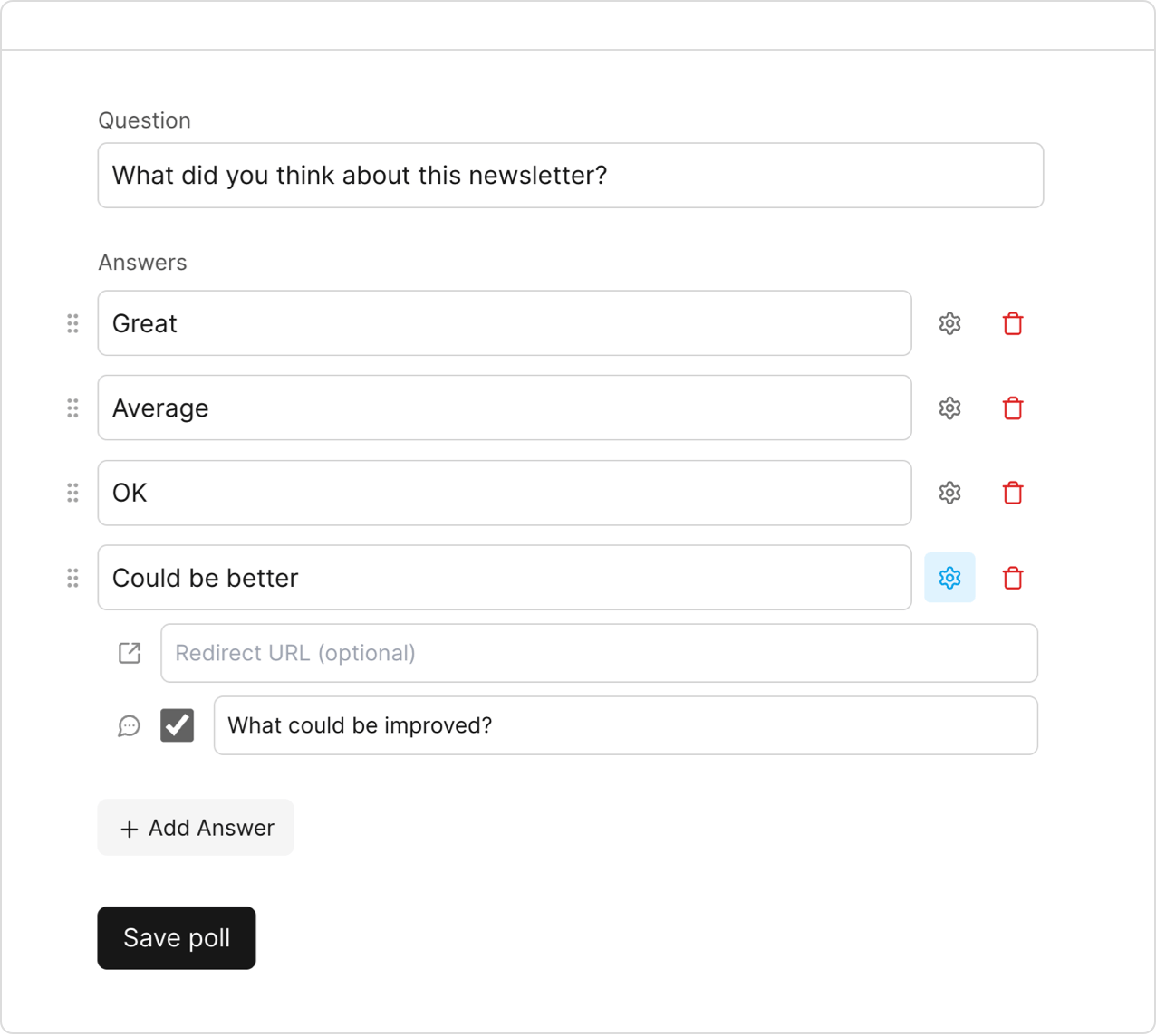
Simple poll creation
It takes just seconds to add your question and up to 10 responses.
Use powerful options to configure the perfect poll:
Set redirect URLs, collect free-form responses, and create a custom thank you message.
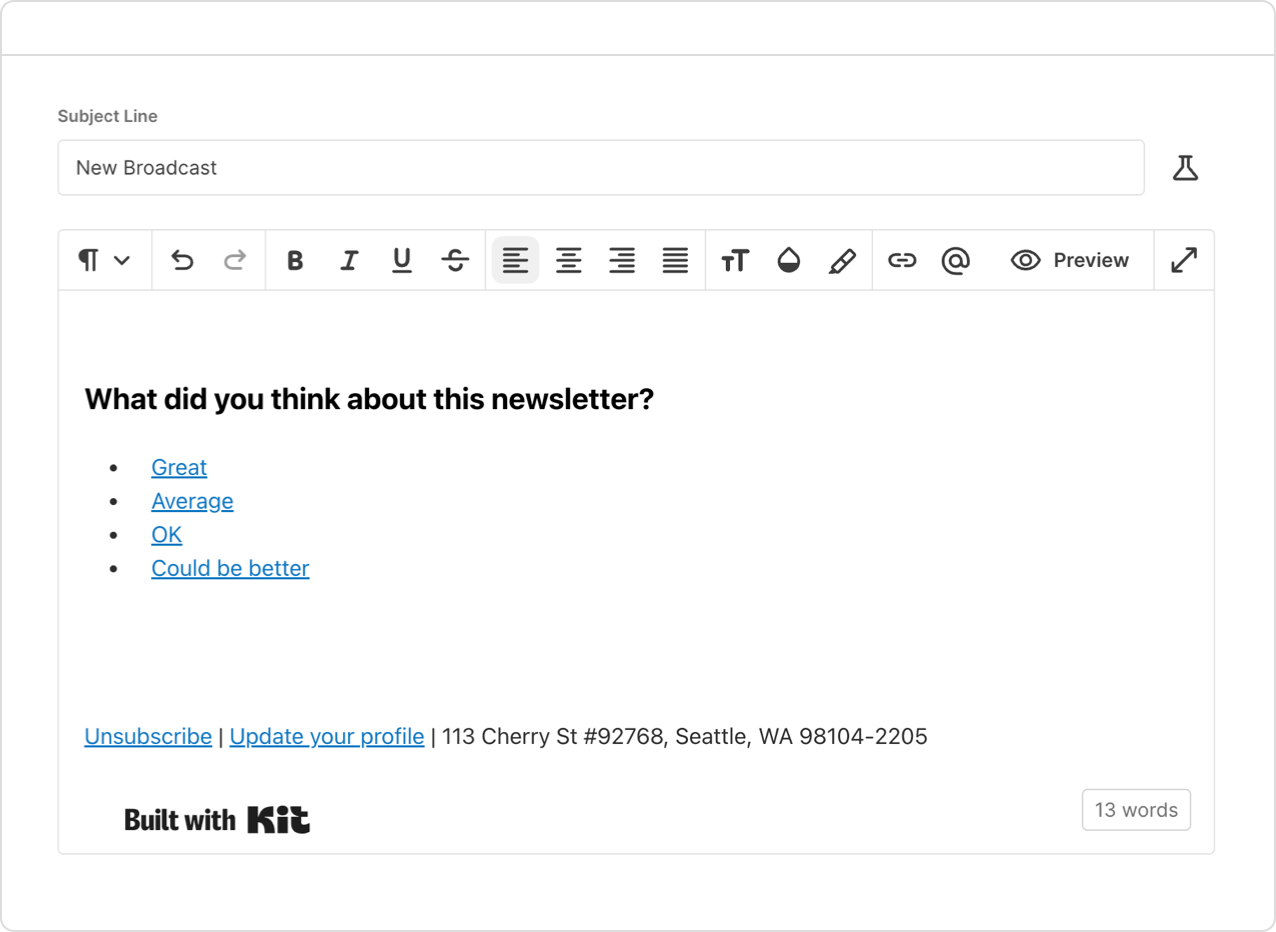
Paste your poll in any email
Your poll can be added to any email, whether that's a newsletter, customer receipt, or even an internal work email.
Just click to copy and paste it in your email.
Responses are linked to your subscribers where supported.
Pay as you go
Get five free polls when you sign up, then simply pay-per-poll.
No subscriptions or ongoing commitment.
Just buy polls when you need them. Buy in bulk and save big.
Frequently asked questions
How do I add a poll to my newsletter?
Create a poll in PollKit, copy the HTML snippet, and paste it into your email editor. Send as usual—responses show up in your dashboard. Read the email polls guide.
Which email platforms does PollKit work with?
Any tool that you can paste content with links into the email body: Kit, Beehiiv, Ghost, MailerLite, Brevo, HubSpot, Loops, EmailOctopus, Sendy, Gmail, Apple Mail, and more. See supported platforms.
Do polls work in Gmail and Apple Mail?
Yes. Each answer is a link—readers tap an option and confirm on a mobile-friendly page. For Gmail you can optionally collect email addresses on the poll form.
How much does PollKit cost?
Five free polls when you sign up, then pay per poll with no subscription. View pricing.
Can I edit a poll after creating it?
Yes. Update questions, answers, and settings anytime. Past responses stay saved even if you remove an answer option.
Are responses linked to my subscribers?
On Kit, Beehiiv, Ghost, Loops, and similar platforms, votes are tied to the recipient's email automatically. For Gmail and other clients, you can require an email on the poll form.
How is PollKit different from built-in platform polls?
Native polls are often locked to paid plans or a single tool. PollKit works everywhere, supports free-form feedback, custom thank-you messages, per-answer redirects, and polls you can edit after publishing.
Can I use PollKit on Beehiiv or Kit's free plan?
Yes. Paste PollKit into your emails without upgrading your newsletter platform. Beehiiv guide · Kit guide.
Claim your free polls
Your first five polls with PollKit are totally free.
Zero-risk trial. Add a poll to today's email.
Works on every email platform.