Email polls and surveys
Ask your audience a question inside the emails they already read. No complicated integrations—just create a poll and paste it in.
Why add polls to your emails?
Most email is one-way: you send, they read. A poll turns your newsletter into a conversation.
Use a quick poll to gauge interest, pick a topic for next week's issue, or run a lightweight survey before a bigger ask. Recipients click an answer in the email and land on a simple results or thank-you page.
That small interaction often lifts engagement—and gives you clearer signal than guessing from open rates alone.
Polls vs surveys in email
Polls are usually one question with a few choices—fast for readers, fast for you to scan.
Surveys in email often mean the same thing in practice: a question (or two) with optional free-form feedback after someone votes.
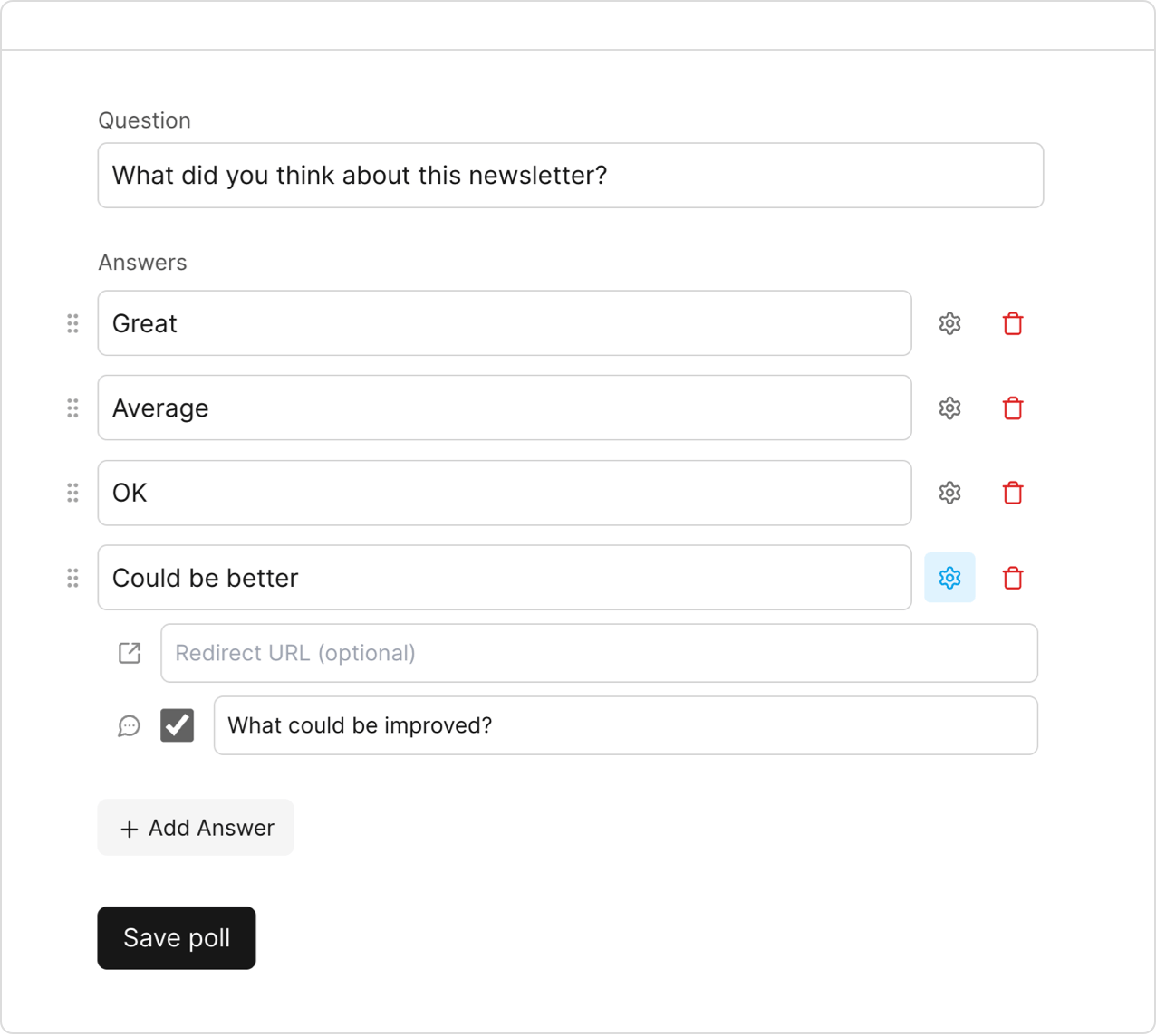
PollKit supports both: multiple-choice answers, custom thank-you pages, redirects per answer, and optional written feedback.
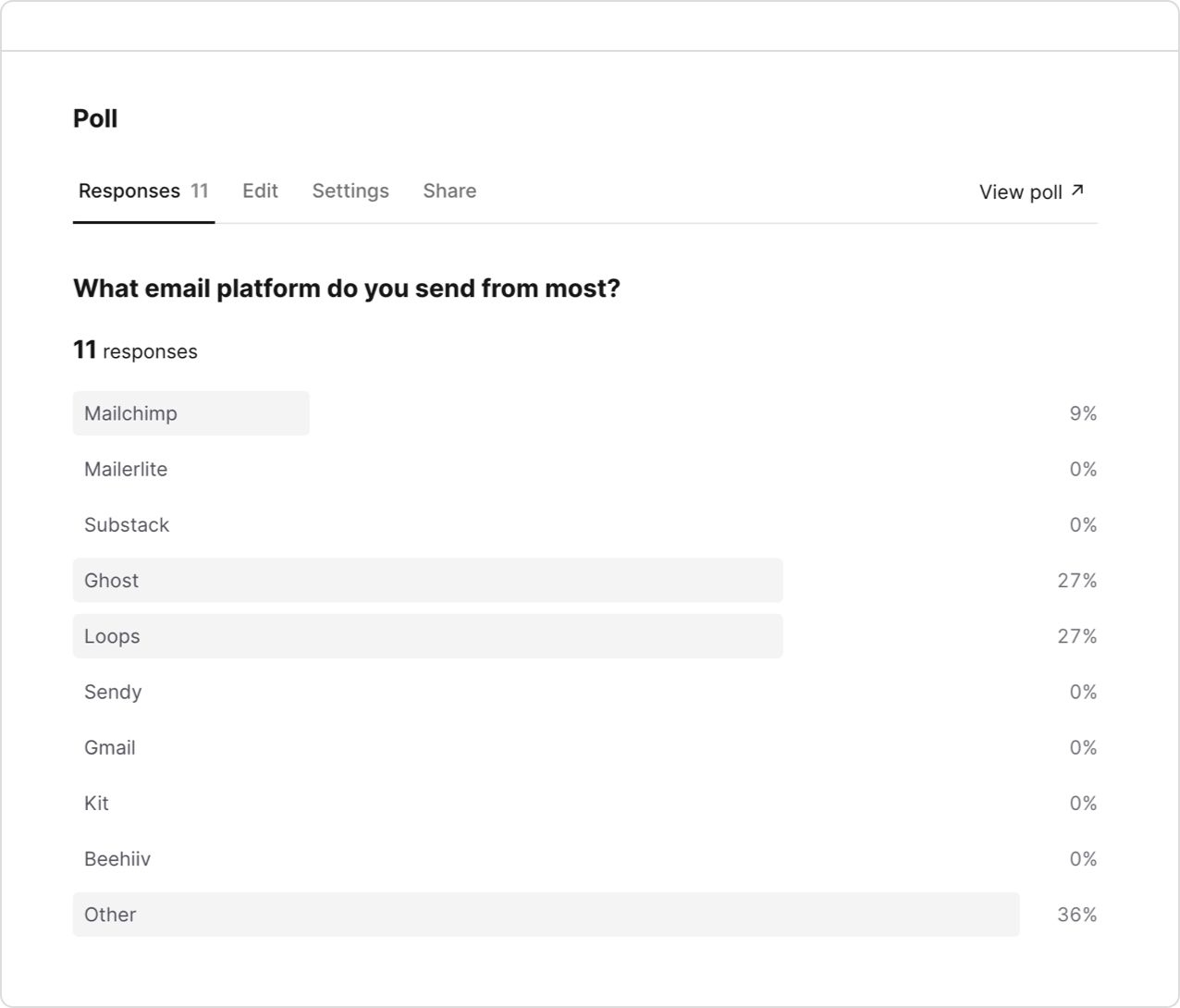
How PollKit works
- Create a poll in PollKit—question, answers, and optional feedback or redirects.
- Copy the HTML snippet for your email platform (Kit, Ghost, Gmail, and more).
- Paste into your email editor and send. Responses show up in your PollKit dashboard.
Where your platform supports it, votes are tied to the subscriber's email address automatically. For Gmail and similar clients, you can collect email on the poll form instead.
Looking for interactive polls specifically? See interactive polls in email.
Claim your free polls
Your first three polls with PollKit are totally free.
Zero-risk trial. Add a poll to today's email.
Works on every email platform.